
MCP in one sentence
The Model Context Protocol (MCP) is an open standard that lets AI assistants like Claude, ChatGPT, and Cursor connect to external tools, data sources, and services through a single, consistent interface — instead of every app needing its own custom integration.
Why MCP exists
Before MCP, every AI product had to build its own one-off connector for every tool it wanted to support: a Slack integration for Claude, a different Slack integration for ChatGPT, another for your internal agent. MCP standardizes that connection so a tool built once can be used by any MCP-compatible client.
Think of it like USB-C for AI tools: one connector, many devices.
How it works, at a high level
- MCP server — exposes a set of "tools" (actions an AI can call), "resources" (data it can read), and sometimes "prompts". This is the thing you build or connect to.
- MCP client — the AI assistant or IDE (Claude Desktop, Cursor, ChatGPT, custom agents) that discovers and calls those tools during a conversation.
- Transport — the connection between them, usually over HTTP or stdio, following the MCP specification's message format (JSON-RPC).
When you connect an MCP server to your AI client, the assistant can see what tools are available, read their descriptions, and call them — with your permission — as part of answering a question or completing a task.
A concrete example
Say you want your AI assistant to check your company's sales numbers. Without MCP, someone has to write custom glue code between the AI and your database or CRM. With MCP, you (or your team) expose a "get_sales_report" tool once, and any MCP-aware assistant can call it — Claude, Cursor, an internal support bot — without touching that integration again.
Where Smia fits in
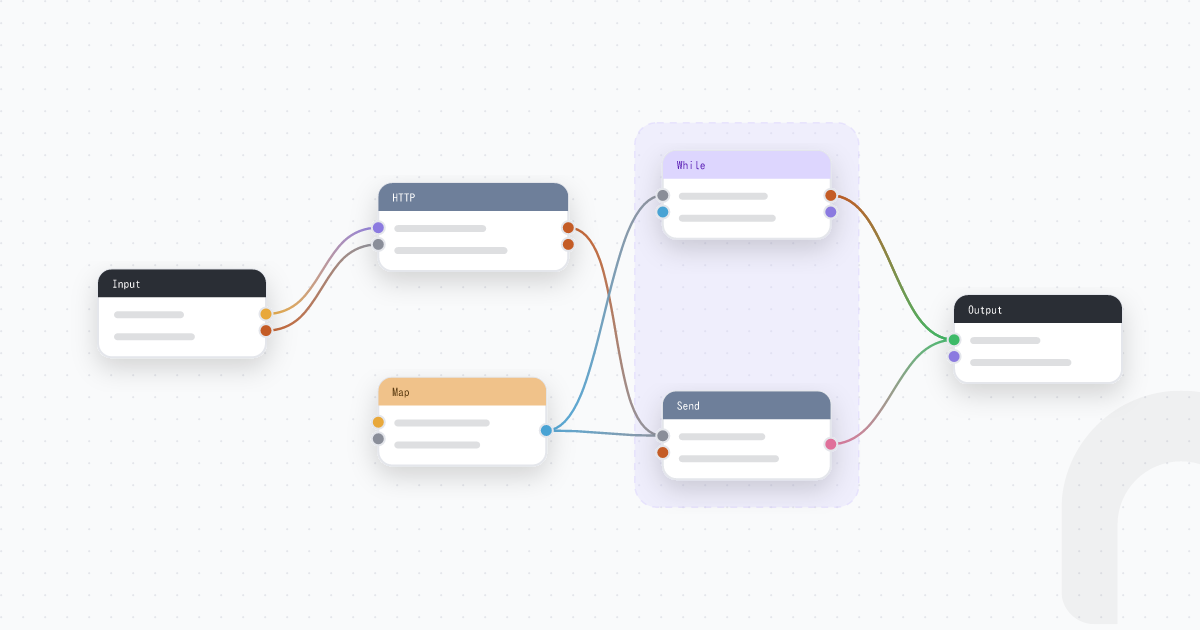
Smia lets you build and host these MCP tools visually — wiring up API calls, logic, and data sources into a tool graph — without writing a server from scratch, and share access with your team under proper role-based controls. If you're exploring MCP for the first time, that's usually the fastest way to go from idea to a working tool your assistant can call.