
Search for a no-code MCP server and you'll mostly find catalogs. Pick from thousands of apps and actions, connect your accounts, and your assistant can use them. If the job you need is already in the catalog, that's often the quickest route.
But a lot of real work isn't an app action. It's your own rule: how you price a job, which invoices count as overdue, what goes in the Friday summary. Nobody sells that tool, because it only exists at your company.
Smia is for that tool. You describe it in chat, and your assistant builds it, tests it and turns it on. It lives on your own server URL, and the same input gets the same answer.
Catalogs vs. building your own tool
The big catalogs are good at what they do. Here's how each one describes itself on its own site (checked 8 October 2026):
- Zapier MCP says it covers 9,000+ apps and 66,000+ triggers and actions. When no standard action fits, its agent can write and run code.
- Pipedream offers MCP servers for 3,000+ apps with over 10,000 pre-built tools.
- Make turns your Make scenarios into tools your AI can call, across 3,000+ apps.
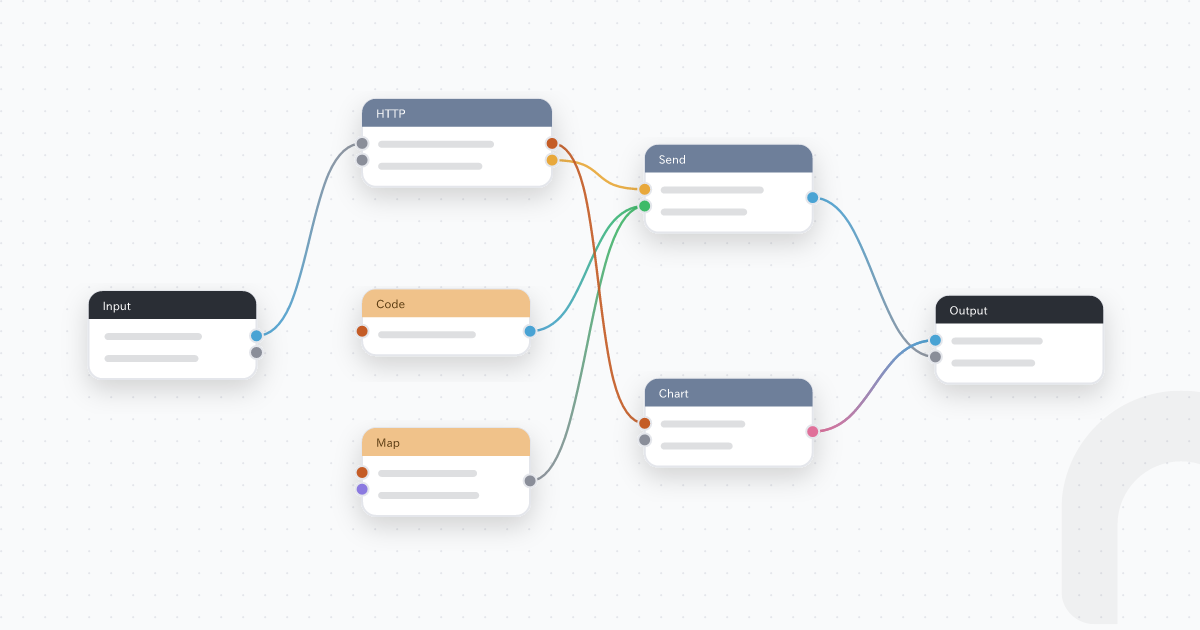
Smia starts from the other end. Instead of picking from a list, you describe the job and its rules. Smia builds a small tool from steps (math, text, dates, lists, web requests, email, Google Workspace, Microsoft 365, or another MCP server you sign in to), and runs a test you can read step by step before the tool is turned on.
Use whichever fits. If your assistant just needs to post to Slack, a catalog is fine. If it needs to price a job your way, build the tool.
Create an MCP server with no code: how it works
- Add Smia to your chat once. In Claude, ChatGPT or Cursor, add
https://app.smia.io/mcp. For Claude, follow Make your own Claude custom connector, no code. For ChatGPT and Cursor, see Get started with Smia. - Sign in or create a free account. Every new account gets a personal hub on the Free plan with one server: that's your MCP server. You don't host or deploy anything.
- Describe the tool. Say what goes in, what comes out, and the rules in between.
- Let your chat build and test it. New tools start switched off. Your assistant runs a test with real sample input and you see the result of each step. If a step fails, it sees which one and why, fixes it and tests again. Then it turns the tool on.
- Use it, and share it. The tool now has a name on your server. Ask for it tomorrow and you get the same steps. Invite a coworker to your hub, and once they click Accept on the invite in the Smia app, it shows up in their chat too.
Example: a job quote with your own pricing rule
Say your quotes follow a fixed rule: 950 NOK per hour, materials plus a 15% markup, then 25% VAT. That's your rule, not an app action. Ask:
Build me a tool called job_quote. Inputs: hours and materials cost in NOK. Price is hours × 950 plus materials × 1.15, then add 25% VAT, rounded to whole kroner. Test it with 6 hours and 2,000 NOK materials, then turn it on.
The arithmetic: 6 × 950 = 5,700. 2,000 × 1.15 = 2,300. Together 8,000, plus 25% VAT, gives 10,000 NOK. That's the answer the test should show. If it doesn't, ask your assistant which step is off and have it fix that step.
From then on, "Quote 3.5 hours with 800 NOK materials" runs the same rule every time, instead of the assistant redoing the sum in its head.
What to know before you build
- Free plan limits: 1 server, 5 tools on it, 100 steps per tool, 5 seconds per run, 512 KB of output per step, 1,000 tool runs a month, 10 emails a month and 200 web requests a month.
- Pro-only steps: custom code, interactive views in the chat, PDF rendering and Excel workbook editing with code.
- Tests run for real. A tool that sends email or calls a web service does that during its test too.
- Keys stay out of the chat. API keys go in your hub settings. When a tool needs one, Smia gives your assistant a settings link to send you.
- Tools run when they're called. They don't act on their own. Running a tool on a schedule or from a webhook (Tasks) is on Hobby and Pro.
- Who gets what: on Free, everyone in your hub can use every tool on your server. Choosing who gets which server is on Hobby, and per-tool roles are on Pro.
Privacy: read the Smia privacy policy. Questions: support@smia.io.
Start for free. Then add https://app.smia.io/mcp in your chat and describe the tool nobody sells.